Invideo AI
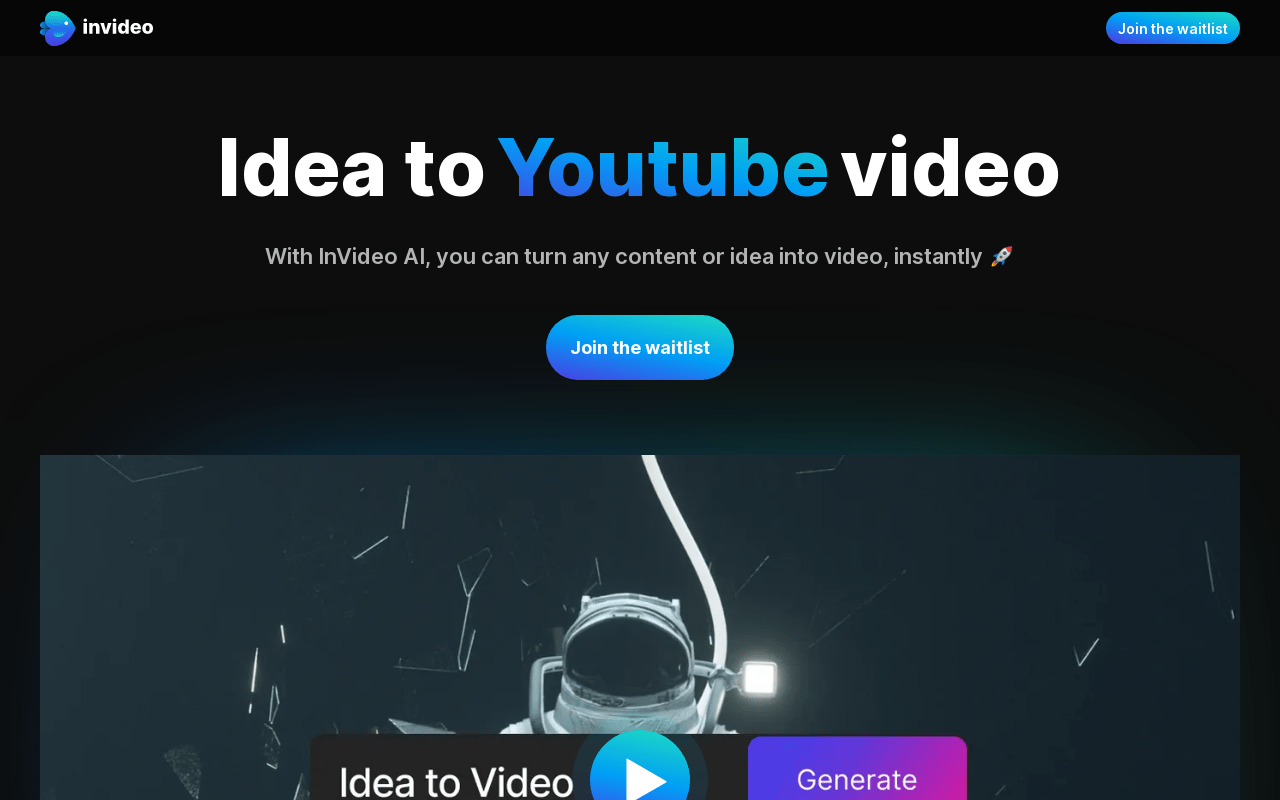
Invideo AI is a text-to-video platform. You describe a topic or paste a script, and it assembles a draft video with stock clips, transitions, AI voiceover and subtitles in a template-based editor. It is aimed at creators, marketers and small businesses that need social and YouTube-style videos quickly without a full production team.
We may earn a commission if you visit through our link. The review stays focused on fit, trade-offs, and alternatives; verify current pricing and limits on the vendor site.
YouTube explainers and channel filler built from scripts.
Stock-media-driven output can feel generic for highly specific topics.
Free access or trial may exist; verify current limits on the vendor site.
Overview
Invideo AI is a text-to-video platform. You describe a topic or paste a script, and it assembles a draft video with stock clips, transitions, AI voiceover and subtitles in a template-based editor. It is aimed at creators, marketers and small businesses that need social and YouTube-style videos quickly without a full production team.
What it does
Invideo AI interprets a topic or prompt, writes a draft script, selects stock footage, adds a voiceover and inserts subtitles. You can then edit inside the platform's timeline, swap media, change the voice, adjust branding and export. It supports many output formats and aspect ratios for platforms such as YouTube, Instagram, TikTok and Facebook.
Benefits
- + Fast path from idea to a rough finished video.
- + No editing or design skill required to get a usable first cut.
- + Built-in stock media library and AI voiceover reduce asset work.
- + Good for consistent short-form and long-form output.
Limitations
- - Stock-media-driven output can feel generic for highly specific topics.
- - AI voiceover and stock clips are not a substitute for original footage.
- - The built-in editor has a learning curve for precise manual control.
- - For studio-quality avatar presenters, dedicated tools like Synthesia are a better fit.
FAQ
Do I need editing experience?
No. Invideo AI drafts the video for you, and you refine it in the editor.
Can I upload my own footage?
Yes, you can replace stock clips with your own media.
Does it create original voiceover?
It offers AI voices and options to use custom or recorded voiceover, depending on the plan.
Source and freshness
Updated 2026-08-18. Verify current features, pricing, limits, and terms on the official vendor site.
Practical use cases
Use Invideo AI for youtube explainers and channel filler built from scripts. when you want a focused tool instead of a generic AI assistant.
Turn its strongest capabilities - fast path from idea to a rough finished video. no editing or design skill required to get a usable first cut. - into repeatable team workflows.
Compare it against other AI Video tools before committing to a paid plan.
Start with the main workflow: fast path from idea to a rough finished video.
✅ Pros
- +Fast path from idea to a rough finished video. • No editing or design skill required to get a usable first cut. • Built-in stock media library and AI voiceover reduce asset work. • Good for consistent short-form and long-form output.
❌ Cons
- −Stock-media-driven output can feel generic for highly specific topics. • AI voiceover and stock clips are not a substitute for original footage. • The built-in editor has a learning curve for precise manual control. • For studio-quality avatar presenters, dedicated tools like Synthesia are a better fit.
Pricing
- ✓Full features
- ✓Priority support
- ✓Advanced tools
Questions to ask before choosing Invideo AI
Buyer checklist- Does the current plan include the features, usage limits, and exports your workflow needs?
- Can you verify the output quality with your own content, brand rules, and compliance requirements?
- Are the related tools below a better fit for your category, budget, or team size?