Otter.ai
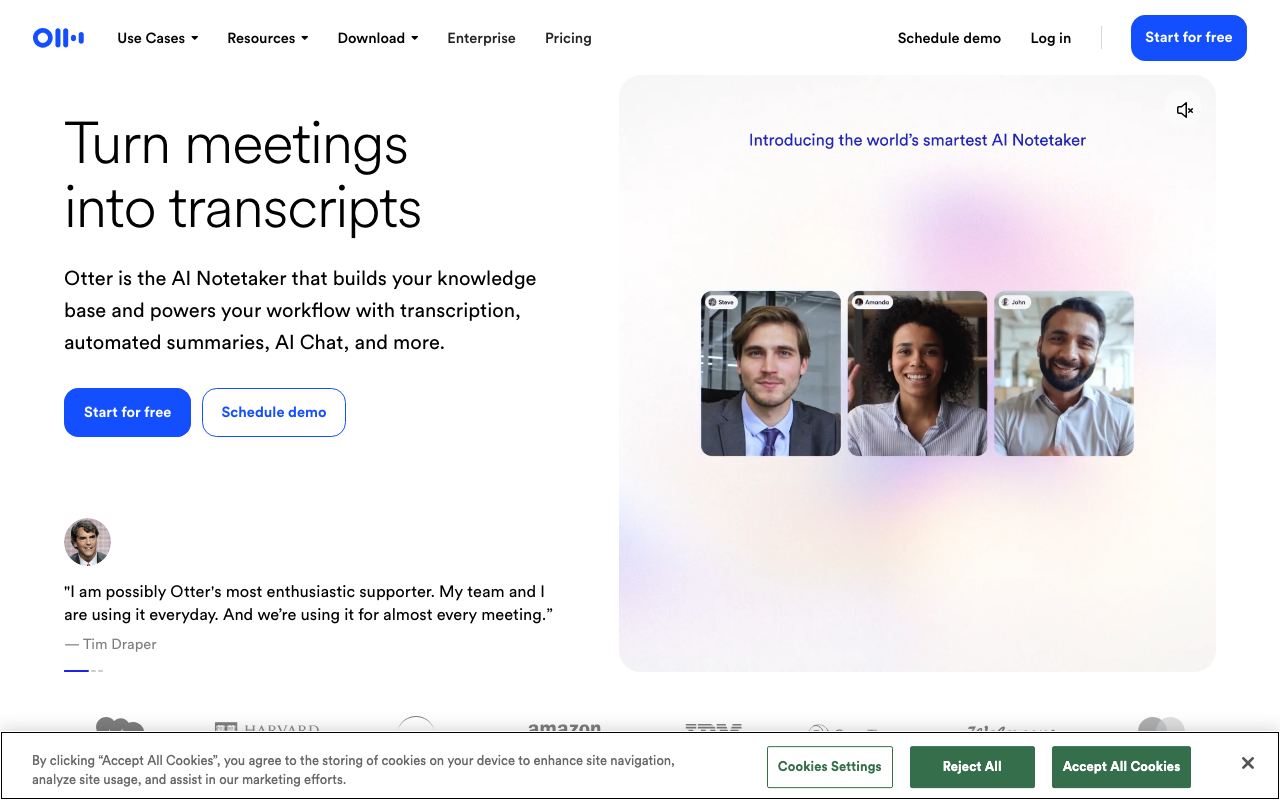
Otter.ai is a real-time meeting transcription and AI note-taking service. It joins calls over Zoom, Google Meet and Microsoft Teams, writes a live transcript, and generates a summary with action items afterwards. It is best for people who want automatic meeting notes without typing during the call.
We may earn a commission if you visit through our link. The review stays focused on fit, trade-offs, and alternatives; verify current pricing and limits on the vendor site.
Team meetings that need shared, searchable notes.
Transcription quality depends on audio clarity, accents and background noise.
Free access or trial may exist; verify current limits on the vendor site.
Overview
Otter.ai is a real-time meeting transcription and AI note-taking service. It joins calls over Zoom, Google Meet and Microsoft Teams, writes a live transcript, and generates a summary with action items afterwards. It is best for people who want automatic meeting notes without typing during the call.
What it does
Otter turns spoken audio into searchable text in real time. During a live meeting it shows captions and assigns speakers to their turns. After the meeting it produces meeting summaries, key topics and action items, and it keeps the full transcript searchable. It also records voice memos from the mobile app and can be installed as a rewriting assistant for email and chat drafts. Features commonly highlighted:
Benefits
- + Saves manual note-taking: participants can focus on the conversation.
- + Provides a reliable searchable record of what was said.
- + Summaries and action items reduce the follow-up work after a call.
- + Works both on desktop and mobile, including quick voice memos.
Limitations
- - Transcription quality depends on audio clarity, accents and background noise.
- - Not a dedicated translation product; its main output is captions and notes.
- - Varied accuracy on speaker attribution in noisier calls.
- - Full value requires the paid tiers for hosting, larger teams and advanced analytics.
FAQ
Does Otter work with Zoom, Google Meet and Teams?
Yes. Otter integrates with the major video-call platforms so the bot can join and transcribe the meeting.
Can I search past transcripts?
Yes. The transcript archive is searchable in the web app and mobile app.
Is Otter a translation tool?
No. It focuses on transcription, captions and notes. For translation, look at dedicated tools such as Vitra or alugha.
Do I need a paid plan?
The free plan is useful for testing, but team features, higher monthly minutes and advanced controls live in paid tiers.
Source and freshness
Updated 2026-08-18. Verify current features, pricing, limits, and terms on the official vendor site.
Practical use cases
Use Otter.ai for team meetings that need shared, searchable notes. when you want a focused tool instead of a generic AI assistant.
Turn its strongest capabilities - saves manual note-taking: participants can focus on the conversation. provides a reliable searchable record of what was said. - into repeatable team workflows.
Compare it against other Speech To Text tools before committing to a paid plan.
Start with the main workflow: saves manual note-taking: participants can focus on the conversation.
✅ Pros
- +Saves manual note-taking: participants can focus on the conversation. • Provides a reliable searchable record of what was said. • Summaries and action items reduce the follow-up work after a call. • Works both on desktop and mobile, including quick voice memos.
❌ Cons
- −Transcription quality depends on audio clarity, accents and background noise. • Not a dedicated translation product; its main output is captions and notes. • Varied accuracy on speaker attribution in noisier calls. • Full value requires the paid tiers for hosting, larger teams and advanced analytics.
Pricing
- ✓Full features
- ✓Priority support
- ✓Advanced tools
Questions to ask before choosing Otter.ai
Buyer checklist- Does the current plan include the features, usage limits, and exports your workflow needs?
- Can you verify the output quality with your own content, brand rules, and compliance requirements?
- Are the related tools below a better fit for your category, budget, or team size?