Invideo AI vs Synthesia
Invideo AI and Synthesia both generate video from text, but they serve different styles. Invideo AI is optimized for stock-footage-driven videos with AI voiceover, subtitles and a familiar video editor. Synthesia is built around AI avatar presenters that read your script, which suits training and corporate video. If you want YouTube and social videos assembled from clips, Invideo AI is the better fit. If you want a realistic presenter reading your script, Synthesia is stronger.
Invideo AI
Invideo AI is a text-to-video platform. You describe a topic or paste a script, and it assembles a draft video with stock clips, transitions, AI voiceover and subtitles in a template-based editor. It is aimed at creators, marketers and small businesses that need social and YouTube-style videos quickly without a full production team.
Synthesia
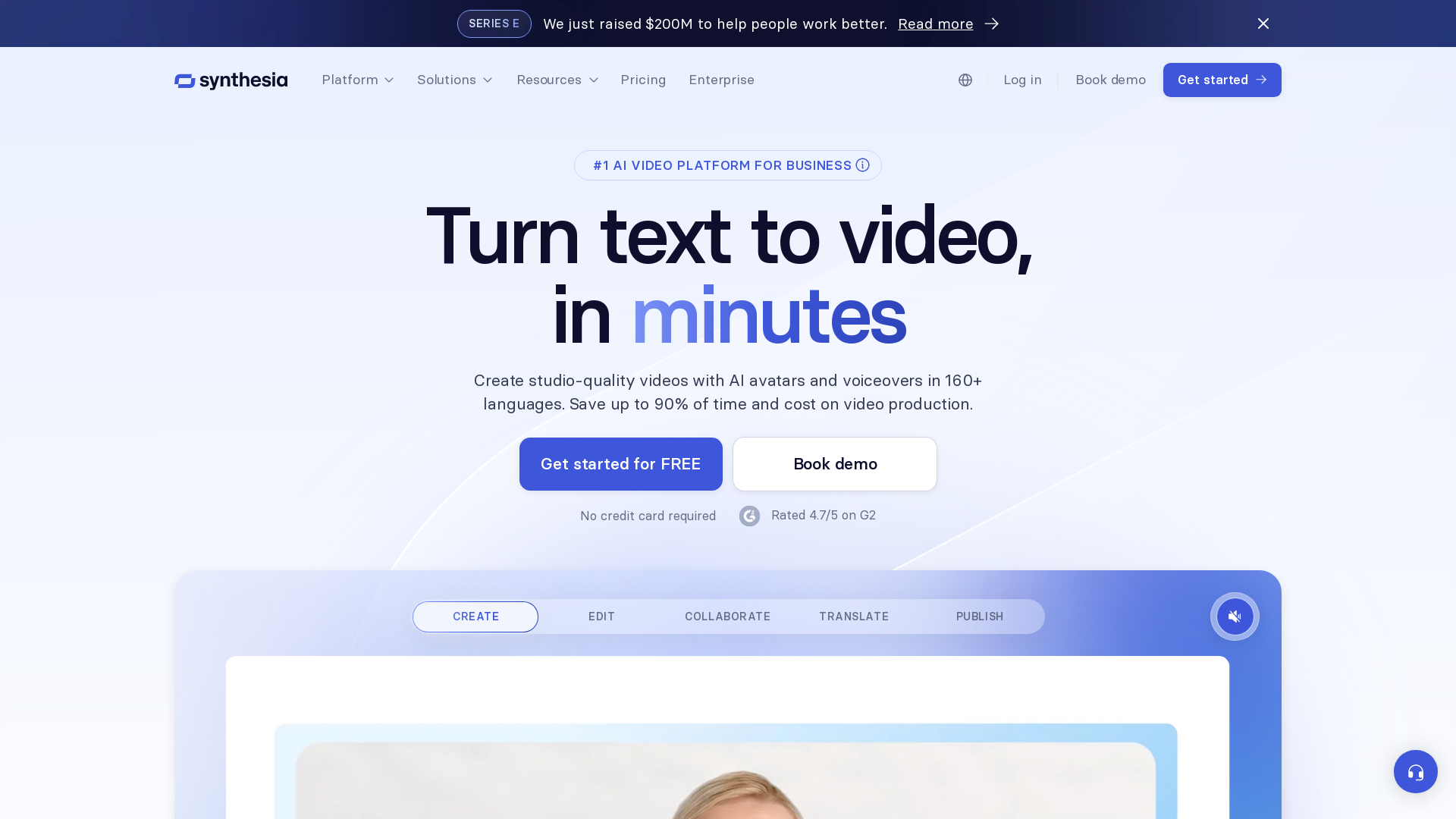
Enterprise AI video platform for training and communication videos.
Editorial verdict
Invideo AI and Synthesia both generate video from text, but they serve different styles. Invideo AI is optimized for stock-footage-driven videos with AI voiceover, subtitles and a familiar video editor. Synthesia is built around AI avatar presenters that read your script, which suits training and corporate video. If you want YouTube and social videos assembled from clips, Invideo AI is the better fit. If you want a realistic presenter reading your script, Synthesia is stronger.
| Aspect | First tool | Second tool |
|---|---|---|
| Core output | Stock-media video from prompts | AI avatar presenter videos |
| Best for | YouTube, social, marketing clips | Training, onboarding, corporate updates |
| Presenter | AI voiceover, no avatar focus | Realistic AI avatars |
| Editing | Full template editor | Avatar and script workflow |
| Strength | Flexible clip-based production | Presenter-style video at scale |
When to choose Invideo AI
- • You want video assembled from stock media and voiceover.
- • You produce YouTube or social content.
- • You want a familiar timeline-style editor.
- • You need many formats and aspect ratios.
When to choose Synthesia
- • You need a presenter reading a script.
- • You produce training, onboarding or corporate video.
- • You want professional avatars without filming.
- • You scale presenter content across a team.
FAQ
Can I use my own footage in both?
Invideo allows custom media replacement; Synthesia focuses on avatar-and-script output. Verify each plan.
Which is better for tutorials?
For presenter-led tutorials, Synthesia is strong; for screen-and-clip tutorials, Invideo AI is a fit.
Are AI voices natural?
Quality varies by language and voice in both tools; test before production.
Sources and freshness
Updated 2026-08-18. Check current pricing, limits, and terms on the first official site and second official site.
Key differences at a glance
- Invideo AI leans toward AI Video, while Synthesia focuses on Video.
Need help deciding?
Use the guided finder to get a short list tailored to your stack.
Start guided matchInvideo AI review notes
Full review →- • Fast path from idea to a rough finished video.
- • No editing or design skill required to get a usable first cut.
- • Built
- • Stock
- • media
- • driven output can feel generic for highly specific topics.
Synthesia review notes
Full review →- • Efficient for consistent training content
- • Less suited for creative video