Artbreeder
Artbreeder is an AI image-generation platform focused on creating and remixing images by combining "genes" and adjusting sliders. It supports characters, portraits, landscapes and more, and emphasizes collaborative, iterative exploration rather than one-shot prompts.
We may earn a commission if you visit through our link. The review stays focused on fit, trade-offs, and alternatives; verify current pricing and limits on the vendor site.
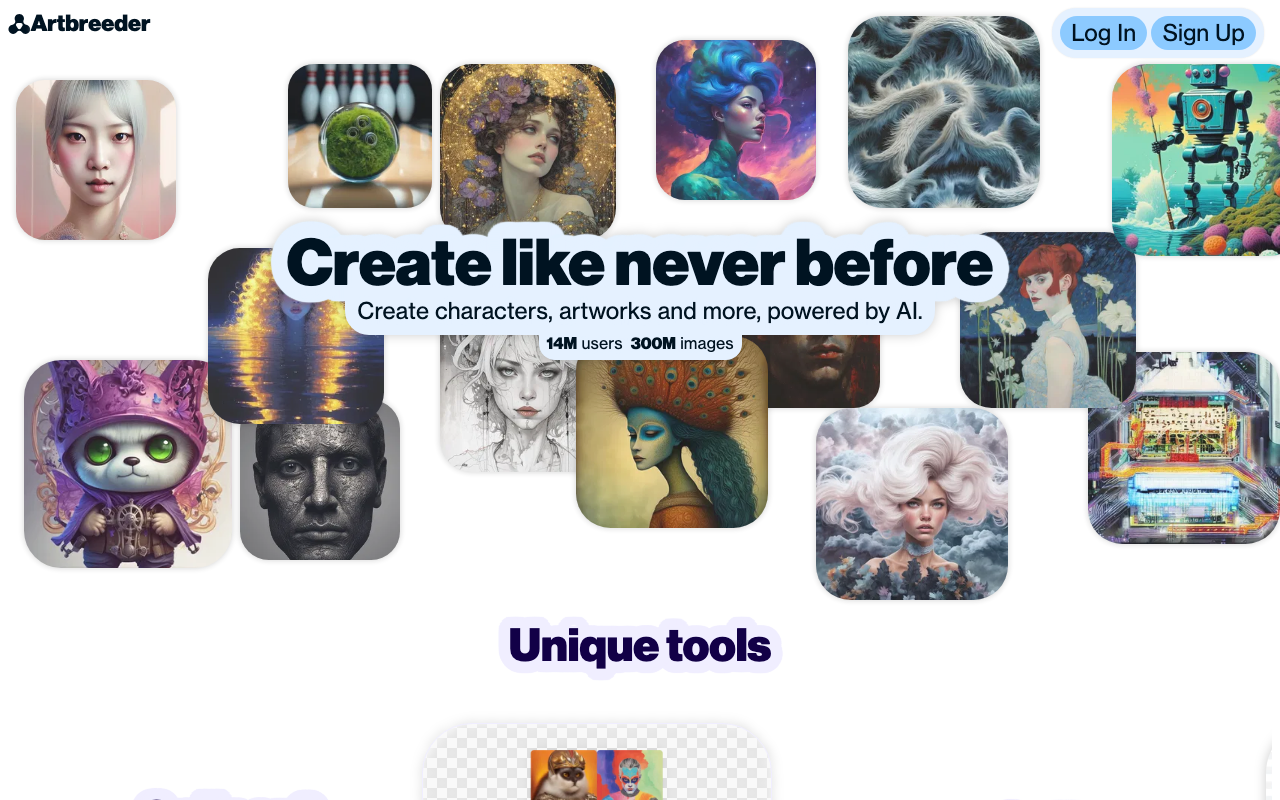
Character and portrait concept design.
Less suited to precise text-to-image requests than prompt-first tools.
Paid or limited-access product; verify current plan limits before buying.
Overview
Artbreeder is an AI image-generation platform focused on creating and remixing images by combining "genes" and adjusting sliders. It supports characters, portraits, landscapes and more, and emphasizes collaborative, iterative exploration rather than one-shot prompts.
What it does
Artbreeder lets you generate images, then blend and mutate them by adjusting parameters. You can start from an existing image, tweak features, and create variations. It is popular for concept art, character design and experimental visual exploration, and it supports sharing and remixing within the community.
Benefits
- + Fine-grained control through sliders and gene blending.
- + Great for iteration toward a specific visual.
- + Collaborative remixing of others' work.
- + Good for concept and character exploration.
Limitations
- - Less suited to precise text-to-image requests than prompt-first tools.
- - Output can require many iterations to match a concept.
- - Some commercial uses need checking the terms.
- - For photorealistic prompt-based generation, other tools differ.
FAQ
Is Artbreeder prompt-based?
It supports image generation, but its strength is parameter-based blending and remixing.
Can I use images commercially?
Usage terms depend on your plan and the source material; review the license terms.
Can I collaborate with others?
Yes, sharing and remixing are core parts of the platform.
Source and freshness
Updated 2026-08-18. Verify current features, pricing, limits, and terms on the official vendor site.
Practical use cases
Use Artbreeder for character and portrait concept design. when you want a focused tool instead of a generic AI assistant.
Turn its strongest capabilities - fine-grained control through sliders and gene blending. great for iteration toward a specific visual. - into repeatable team workflows.
Compare it against other Image Generation tools before committing to a paid plan.
Start with the main workflow: fine-grained control through sliders and gene blending.
✅ Pros
- +Fine-grained control through sliders and gene blending. • Great for iteration toward a specific visual. • Collaborative remixing of others' work. • Good for concept and character exploration.
❌ Cons
- −Less suited to precise text-to-image requests than prompt-first tools. • Output can require many iterations to match a concept. • Some commercial uses need checking the terms. • For photorealistic prompt-based generation, other tools differ.
Pricing
- ✓Full features
- ✓Priority support
- ✓Advanced tools
Questions to ask before choosing Artbreeder
Buyer checklist- Does the current plan include the features, usage limits, and exports your workflow needs?
- Can you verify the output quality with your own content, brand rules, and compliance requirements?
- Are the related tools below a better fit for your category, budget, or team size?