ChatGPT Builder
ChatGPT Builder is a no-code platform for building ChatGPT-based chatbots and embedding them on a website. You give the bot content and behavior rules, and it answers visitors' questions. It targets businesses that want a custom AI support or sales assistant quickly, without building a full conversational pipeline.
We may earn a commission if you visit through our link. The review stays focused on fit, trade-offs, and alternatives; verify current pricing and limits on the vendor site.
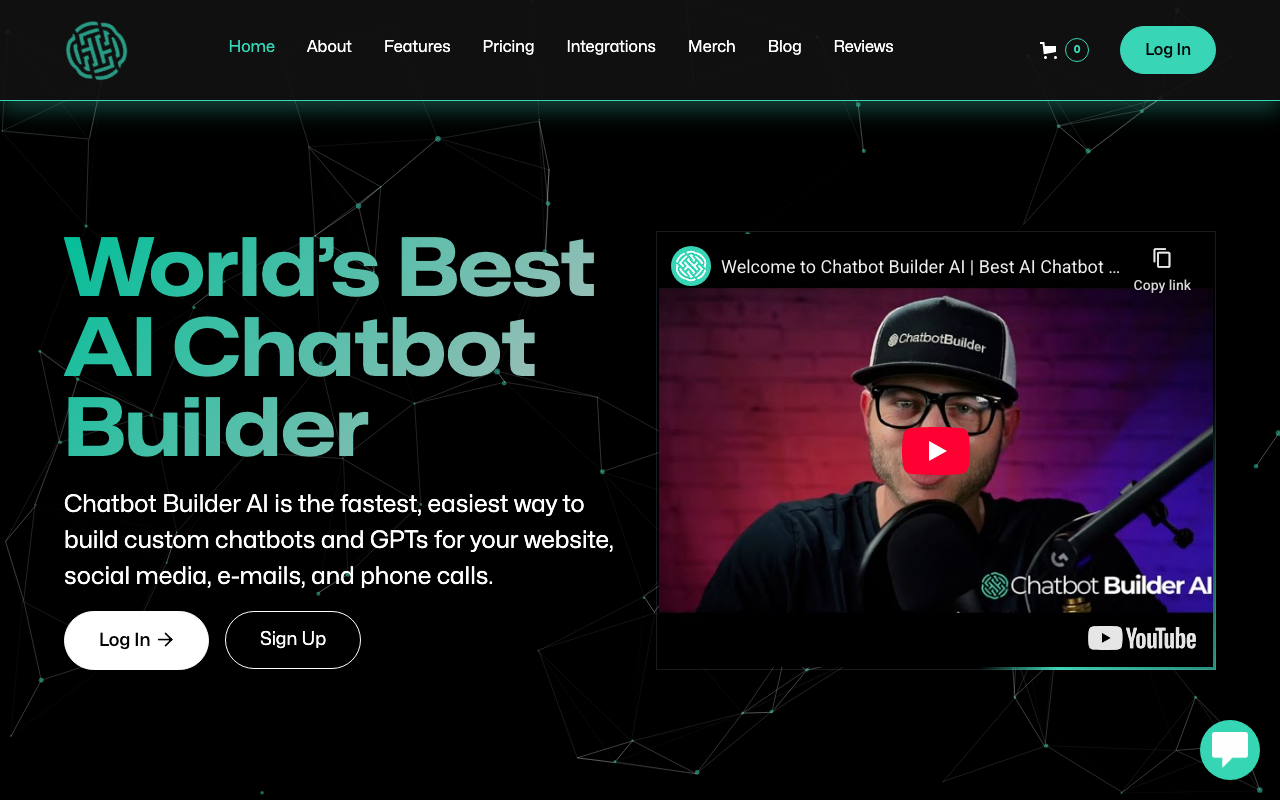
Website support and FAQ bot.
Chat quality depends on the quality and freshness of the content you provide.
Paid or limited-access product; verify current plan limits before buying.
Overview
ChatGPT Builder is a no-code platform for building ChatGPT-based chatbots and embedding them on a website. You give the bot content and behavior rules, and it answers visitors' questions. It targets businesses that want a custom AI support or sales assistant quickly, without building a full conversational pipeline.
What it does
ChatGPT Builder lets you configure a bot around your own data and instructions, then get an embeddable chat widget for your site. It is designed for people with little or no code: you paste content, set the personality and tone, and publish. This fits website owners who want an AI FAQ or lead-qualification assistant without managing models or infrastructure.
Benefits
- + Fast time-to-launch for a branded chat widget.
- + No coding or server setup required.
- + Control over the bot's persona and the content it is allowed to use.
- + Cheaper entry point than an enterprise chatbot suite.
Limitations
- - Chat quality depends on the quality and freshness of the content you provide.
- - Not a full customer-service suite with deep routing and ticketing by default.
- - Advanced integrations and analytics scale up on higher plans.
- - For complex automation across tools, a no-code AI platform like Levity is broader.
FAQ
Do I need to code?
No. The builder is designed to be no-code and configurable through a dashboard.
Where can I put the bot?
Mostly as an embeddable widget on your website; check the official docs for supported locations.
Can the bot use my own content?
Yes, you supply the content and instructions that define what it may answer.
Source and freshness
Updated 2026-08-18. Verify current features, pricing, limits, and terms on the official vendor site.
Practical use cases
Use ChatGPT Builder for website support and faq bot. when you want a focused tool instead of a generic AI assistant.
Turn its strongest capabilities - fast time-to-launch for a branded chat widget. no coding or server setup required. - into repeatable team workflows.
Compare it against other Chatbots tools before committing to a paid plan.
Start with the main workflow: fast time-to-launch for a branded chat widget.
✅ Pros
- +Fast time-to-launch for a branded chat widget. • No coding or server setup required. • Control over the bot's persona and the content it is allowed to use. • Cheaper entry point than an enterprise chatbot suite.
❌ Cons
- −Chat quality depends on the quality and freshness of the content you provide. • Not a full customer-service suite with deep routing and ticketing by default. • Advanced integrations and analytics scale up on higher plans. • For complex automation across tools, a no-code AI platform like Levity is broader.
Pricing
- ✓Full features
- ✓Priority support
- ✓Advanced tools
Questions to ask before choosing ChatGPT Builder
Buyer checklist- Does the current plan include the features, usage limits, and exports your workflow needs?
- Can you verify the output quality with your own content, brand rules, and compliance requirements?
- Are the related tools below a better fit for your category, budget, or team size?