Databar
Databar is a no-code data platform that lets non-engineers collect, enrich and connect data from multiple sources. You build simple data workflows to pull, clean and route data into the tools you use, without writing code or managing infrastructure.
We may earn a commission if you visit through our link. The review stays focused on fit, trade-offs, and alternatives; verify current pricing and limits on the vendor site.
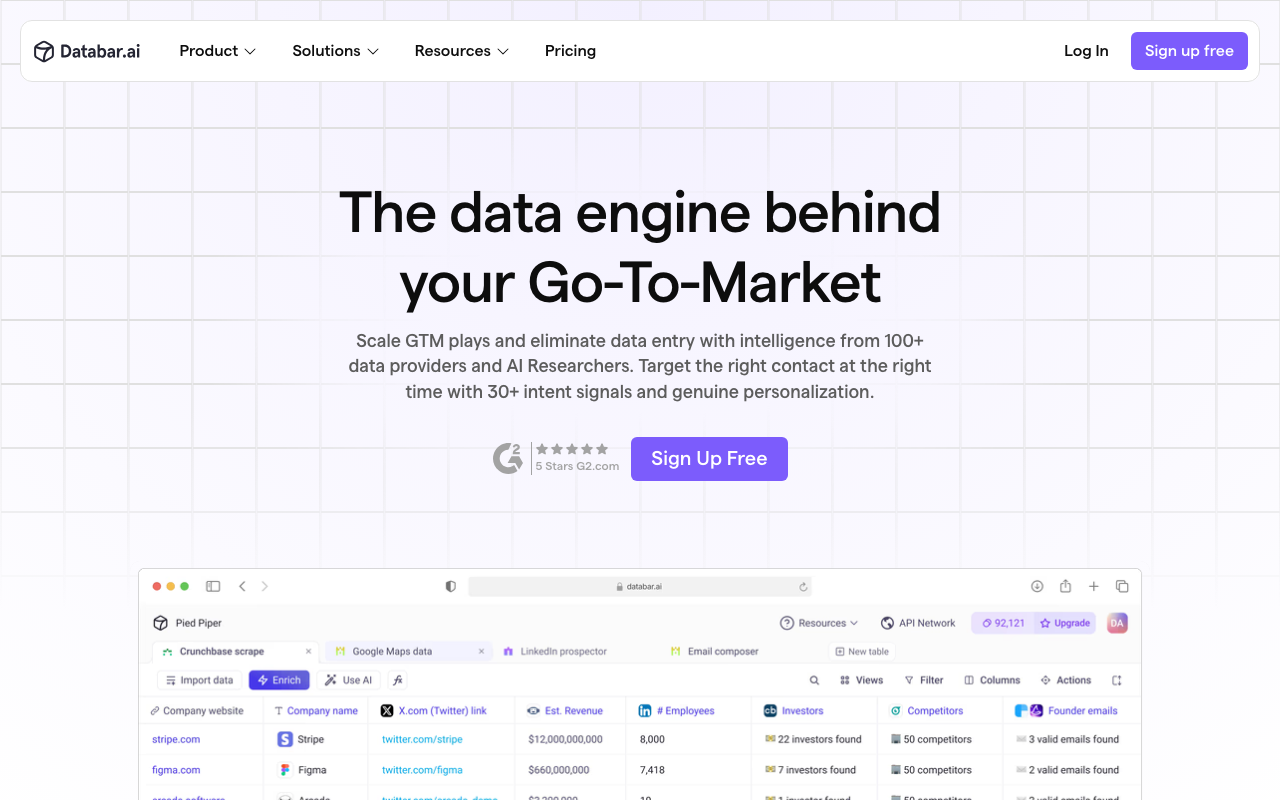
Lead and company data enrichment.
Data quality depends on the source providers and their accuracy.
Paid or limited-access product; verify current plan limits before buying.
Overview
Databar is a no-code data platform that lets non-engineers collect, enrich and connect data from multiple sources. You build simple data workflows to pull, clean and route data into the tools you use, without writing code or managing infrastructure.
What it does
Databar offers visual builders for common data jobs: collecting data from external providers, enriching records with additional fields, and syncing results to spreadsheets, databases or apps. It is built for operations, growth and marketing teams that repeatedly gather data manually and want a repeatable, automated pipeline.
Benefits
- + Removes the need for a developer for many data-gathering tasks.
- + Visual, repeatable workflows instead of manual copy-paste.
- + Integrates with common business tools and destinations.
- + Good for lead, company and research-style enrichment.
Limitations
- - Data quality depends on the source providers and their accuracy.
- - Complex transforms still need some logic understanding.
- - Pricing scales with usage volume.
- - For interactive Q&A over connected databases, tools like Hal9 are complementary.
FAQ
Do I need to code?
No. The platform is designed for no-code data workflows.
Where can I send the data?
Common destinations include spreadsheets, databases and business apps; check the current integration list.
Is the enriched data accurate?
Accuracy depends on the upstream providers. Always validate quality for the specific fields you rely on.
Source and freshness
Updated 2026-08-18. Verify current features, pricing, limits, and terms on the official vendor site.
Practical use cases
Use Databar for lead and company data enrichment. when you want a focused tool instead of a generic AI assistant.
Turn its strongest capabilities - removes the need for a developer for many data-gathering tasks. visual, repeatable workflows instead of manual copy-paste. - into repeatable team workflows.
Compare it against other Data Tools tools before committing to a paid plan.
Start with the main workflow: removes the need for a developer for many data-gathering tasks.
✅ Pros
- +Removes the need for a developer for many data-gathering tasks. • Visual, repeatable workflows instead of manual copy-paste. • Integrates with common business tools and destinations. • Good for lead, company and research-style enrichment.
❌ Cons
- −Data quality depends on the source providers and their accuracy. • Complex transforms still need some logic understanding. • Pricing scales with usage volume. • For interactive Q&A over connected databases, tools like Hal9 are complementary.
Pricing
- ✓Full features
- ✓Priority support
- ✓Advanced tools
Questions to ask before choosing Databar
Buyer checklist- Does the current plan include the features, usage limits, and exports your workflow needs?
- Can you verify the output quality with your own content, brand rules, and compliance requirements?
- Are the related tools below a better fit for your category, budget, or team size?